- Local-First
- CRDTs
- Privacy
- React
- Software Architecture
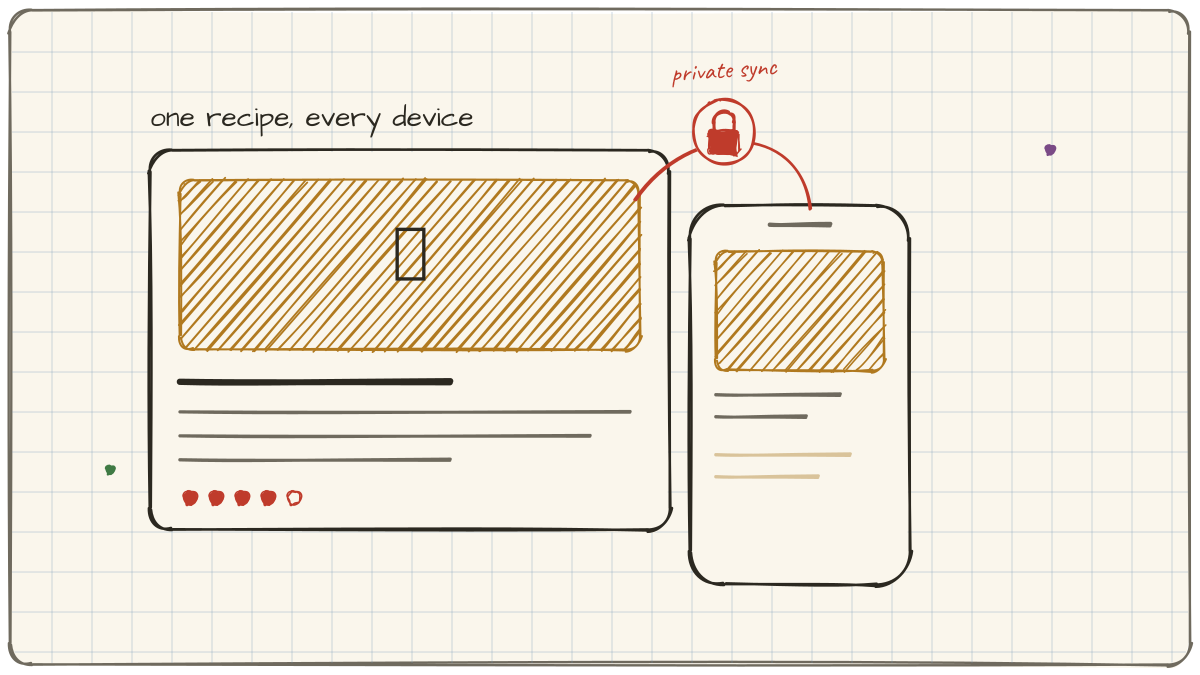
Gratin: A Recipe App That Never Phones Home
Every recipe on the internet is buried under the same landfill: a nine-hundred-word story about a trip to Tuscany, four ad breaks, a newsletter modal, and a cookie banner, all wrapped around forty words of actual instructions. I got tired of scrolling.
So I built the app I wanted. Gratin is a recipe book that saves the recipe, throws away the landfill, and never sends a single byte of your data to a server I control. It runs on macOS, Windows, iOS, and Android. There is no account. There is no sign-up. There is no Gratin server quietly accumulating a profile of what you cook.
That last sentence sounds like a marketing line. It's actually an architecture decision, and it's the one that shaped everything else about how the app is built.
Why I built it
The honest answer is two-thirds frustration and one-third craft.
The frustration you already know. Modern recipe sites are hostile software. But the deeper reason was that I wanted a real, shipped product to stand behind. It's one thing to tell a client to invest in clean boundaries and local-first foundations. It's another to have built the thing, felt every trade-off in your own hands, and be able to point at it.
I've written before about why local-first is an ethical stance as much as a technical one: your data should belong to you, and your software should outlive the company that made it. Gratin is me putting my money where my mouth is. I even called out Paprika in that piece, a recipe app I genuinely like, whose proprietary sync will strand your recipes the day its company decides the maths no longer works. Gratin is the app I wished Paprika was.
So I gave myself a hard constraint on day one: your data never leaves your device unless you explicitly turn on sync, and even then I can't read it. No account system. No database of user recipes to secure. No "we've updated our privacy policy" emails. The privacy story isn't a feature bolted on the side. It's the absence of an entire category of thing most apps have.
Constraints like that are clarifying. The moment you decide there's no central server, a dozen "how should we do this" questions answer themselves. And a few get a lot harder. Sync is the hard one.
One core, three shells
The app is a single React and TypeScript codebase. I did not want to maintain a SwiftUI app, a Kotlin app, and a desktop app that all slowly drift apart. That's three products wearing a trench coat. Instead there's one core, wrapped in native shells that give it a real window, a real app icon, and real OS integration on each platform.
One core, three shells
Tauri handles desktop. It gives me a small, fast, Rust-backed native binary for macOS and Windows instead of shipping an entire Chromium runtime with every download. The whole app is a fraction of the size an Electron build would be. Capacitor handles mobile, wrapping the same web core as genuine iOS and Android apps with access to the native APIs I need. Same UI, same data model, same business logic, four platforms. When I fix a bug, I fix it once.
This is the pragmatic middle of the cross-platform spectrum. I'm not pretending a web view is identical to hand-written SwiftUI. It isn't, and there are places you feel the seam. But for a data-dense app that's mostly lists, forms, and beautifully laid-out reading views, the trade is overwhelmingly worth it. One person cannot maintain four native codebases. One person can absolutely maintain one.
The hard part: sync with no server that can read you
Here's the tension at the heart of a local-first app. Users have more than one device. They expect a recipe saved on their laptop to show up on their phone. That normally means a server: a central database that holds the truth and hands copies to each device.
But a central database that holds the truth is exactly the thing I swore off. It's an account system, a honeypot, and a single point of failure all at once.
The way out is CRDTs, Conflict-free Replicated Data Types. Instead of a server owning the canonical state, every device owns a full copy, and edits are structured so that any two copies can merge automatically, in any order, with no conflicts and no coordinator deciding who wins. Gratin uses Evolu for exactly this: local SQLite on every device, CRDTs underneath, and end-to-end encryption over the top.
Sync without trust
This inverts the usual power structure. In a normal app, the server is the authority and your device is a cache. In Gratin, your device is the authority and the relay is a dumb pipe. The relay never sees plaintext. Edits are encrypted on-device before they're sent, so it's shuttling sealed envelopes it can't open. You can use the default public relay, self-host your own, point at any Evolu-compatible relay, or turn sync off completely and run fully offline forever. None of those choices involves trusting me.
Was this harder than standing up a Postgres database behind an auth layer? In the short term, yes. CRDTs make you think carefully about your data model, and "there's no server to just go query" is an adjustment. But it bought me something a conventional backend never could: an app with no operational liability. There's no user database to breach, no scaling bill that grows with signups, no 3am page because the API is down. And software that isn't quietly monetising you isn't a feature I had to add here. It's just what's left when there's no server in the middle.
Getting recipes in without the landfill
An empty recipe app is useless, and nobody is going to retype four hundred recipes by hand. So getting recipes in, cleanly, had to be effortless.
Gratin ships a Chrome extension that clips a recipe from any site with one click, plus a paste-a-URL importer built on a shared extraction library. Both lean on the fact that most recipe sites publish structured schema.org/Recipe metadata underneath all the ad cruft. The extractor reaches past the story and the pop-ups, pulls out the ingredients, method, times, and photo, and drops a clean recipe into your library. No Tuscany.
It also imports from other apps. I migrated my own several-hundred-recipe Paprika library in one go, which later turned out to be extremely useful for reasons that have nothing to do with cooking. More on that in a moment.
The unglamorous infrastructure
"No backend" is a slight exaggeration. There are a few things a real product needs that do live in the cloud: the marketing site, the download and auto-update endpoints, and the sync relay itself, a small WebSocket-plus-SQLite service that just forwards encrypted messages. All of it is defined as code with Pulumi on AWS, so the entire footprint is version-controlled, reproducible, and small.
The rule I held to: the cloud handles distribution, never data. Your recipes never appear in any of it.
Releases run through a single command that bumps versions, tags, and triggers a pipeline building the Tauri desktop binaries, the Chrome Web Store package, the iOS build, and over-the-air update manifests. For a one-person project, that automation is the difference between shipping regularly and shipping never.
Where it's going: intelligence that stays on the device
The obvious next features all want to be AI features. Estimate the nutrition of this recipe. Auto-tag it. Pull clean structure out of a messy paste. And every one of them creates the same temptation: reach for a frontier API, and in doing so mail your dinner to a datacenter. That would break the one promise the whole app is built on.
So I went down a different road. Run a small language model on the device itself, so the intelligence never has to leave.
That turned into a whole project of its own, and this is where that several-hundred-recipe Paprika export earned its keep. I used it, plus a hard-won "true" nutrition dataset, to build an evaluation framework for figuring out which small model to actually ship. It's a genuinely surprising story. The model ends up doing far less work than you'd think, and the arithmetic you'd assume it does turns out to be the thing it's worst at.
I've written it up separately: Picking a Language Model Small Enough to Live on Your Phone.
The point
Gratin is free, it's private by construction, and it's the clearest single answer I can give to the question I get asked most: what does "good foundations" actually look like when you have to live with them?
It looks like an app that keeps working when the server's gone. Because the server was never the point.
Gratin is at gratin.app.