UsageBar
A retired Mac menu-bar utility for AI subscription allowances. CodexBar already covered the same need for free.
UsageBar was a native macOS menu-bar app for keeping track of AI subscription allowances. Its provider integrations cover Claude, Codex, z.ai, Alibaba and Google Antigravity, with quota details and reset times in one small dashboard.
I built the SwiftUI interface, provider adapters and local history model. The app reuses supported existing sign-ins, stores manually entered credentials in Keychain, and keeps recent usage observations on the Mac. I retired it because CodexBar already covered the same need for free, so there was little reason to keep building a separate utility.
Highlights
- Five provider integrations in one menu-bar app
- Quota windows and reset countdowns
- Local history and configurable refreshing
In action
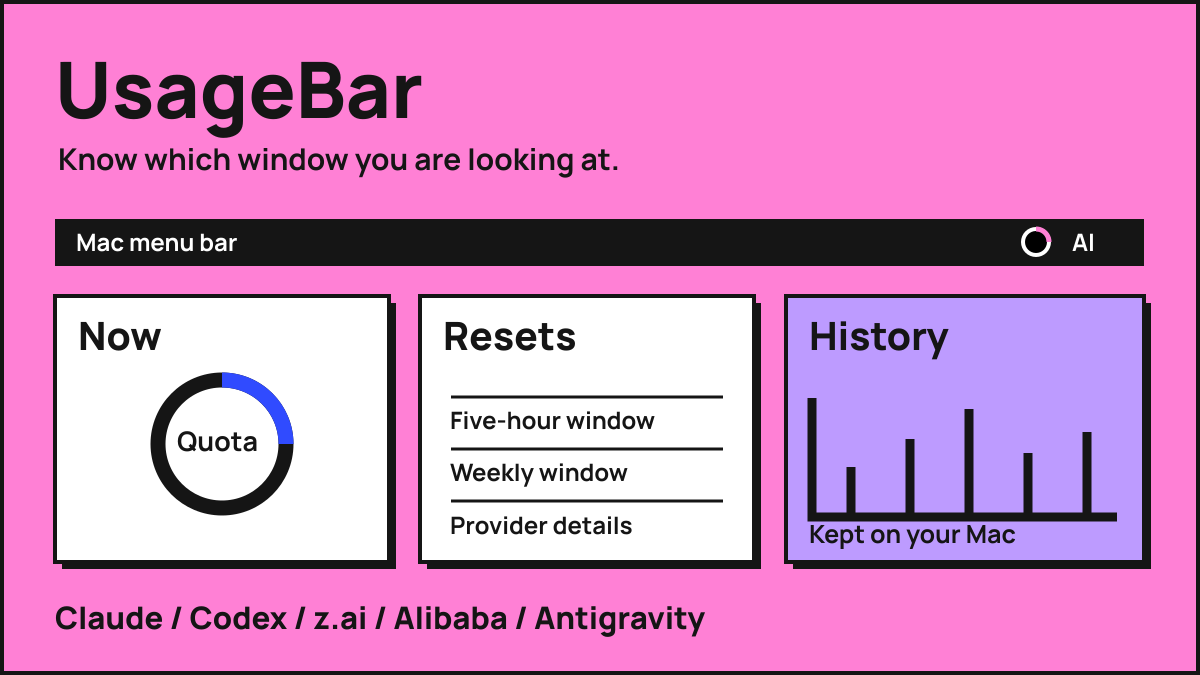
Put the allowance where you already look
Using several AI subscriptions means remembering several different limits and reset windows. UsageBar puts that information in the Mac's menu bar. Open the popover to see each provider's allowance, inspect its quota windows and find out when capacity is expected to reset.
The native SwiftUI app includes integrations for Claude, Codex, z.ai's GLM Coding Plan, Alibaba's Token Plan and Google Antigravity. They do not all describe usage in the same way. Provider adapters turn their responses into a common model while retaining the separate windows that make each allowance meaningful.
A percentage needs its window
A five-hour allowance and a weekly allowance answer different questions. The overview chooses a configured quota for each provider, with a preference suited to that provider's available windows. Detailed dials expose the other quotas and reset countdowns, rather than compressing everything into one number.
The menu-bar summary averages the chosen overview quota for enabled providers that are reporting. It is a compact signal, not a forecast of how much work an agent will finish. Opening the dashboard restores the context: which subscription is constrained, which window is being shown, and when that window changes.
Keep a history of what the app observed
UsageBar records observations locally, retaining up to ninety days and reducing them to one snapshot per provider every thirty minutes. The history makes recent changes visible without adding a server or a separate account for the dashboard itself. The app's preferences hold those observations on the Mac.
Current allowance and estimated use over a subscription cycle remain different views. The former follows the selected quota window; the latter uses longer windows and observed cycle peaks. Provider-parsing and history tests cover details such as expired windows, disabled providers and persistence, which matter when an attractive dial can otherwise hide a misleading calculation.
Fit into the existing local workflow
The app can reuse supported local sign-ins from coding tools and command-line clients. Manually entered credentials are stored in macOS Keychain. Settings control refresh cadence and launch at login, while cooldown handling respects provider retry responses and preserves the last good result when a refresh is deferred.
This is a separate utility from Cursor Wrapped, which analyses exported Cursor CSV history in a browser. UsageBar reads current subscription allowances and lives in the menu bar. I stopped work on it because CodexBar already did the same job for free. The implementation remains a historical utility, rather than an app I am asking people to adopt.