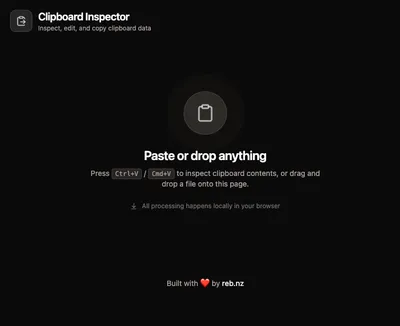
Clipboard Inspector
Updated October 2026: Clipboard Inspector now lives at clipboard.reb.run, with an EnoughUI interface hosted on Cloudflare Workers.
When you paste something on a web page, the clipboard can carry more than plain text. There's often text/html, text/uri-list, images, and sometimes custom MIME types from specific applications. Most of the time you never see this metadata: it just gets silently discarded or consumed by the paste target.
Paste or drop an item onto Clipboard Inspector to see the formats your browser exposes, with raw text or a supported preview for each. Browsers do not expose every format stored by the original application.
Editing and copying back
Text entries open in a Monaco Editor instance with syntax highlighting matched to the format: HTML, JSON, XML, CSS, JavaScript, Markdown, and more. Images and other supported content have previews.
You can edit text entries, then copy a supported format or a group of formats back to the clipboard. The copy constructs a ClipboardItem from formats the browser supports. Some writes can fall back to plain text, and the receiving application chooses which format to use; unsupported or hidden formats cannot be guaranteed to survive.
There's also auto-formatting for structured types: JSON gets pretty-printed, HTML and XML get properly indented.
Rich previews
For types where raw source isn't the most useful view, there's a Code/Preview toggle:
- HTML renders in a sandboxed iframe
- SVG renders inline with scripts stripped
- Markdown renders with full typography
- JSON gets an interactive collapsible tree view with colored tokens
- CSV renders as a scrollable table with sticky headers
- URI lists become clickable link cards
Building it
The original version followed the same pattern as the other tools in the monorepo: React, Vite, Tailwind, shadcn, deployed to Amplify via Pulumi. The Clipboard API and DataTransfer API do the heavy lifting for reading and writing.
Try it at clipboard.reb.run.