Clipboard Inspector
Find out what is actually on your clipboard. Then change it.
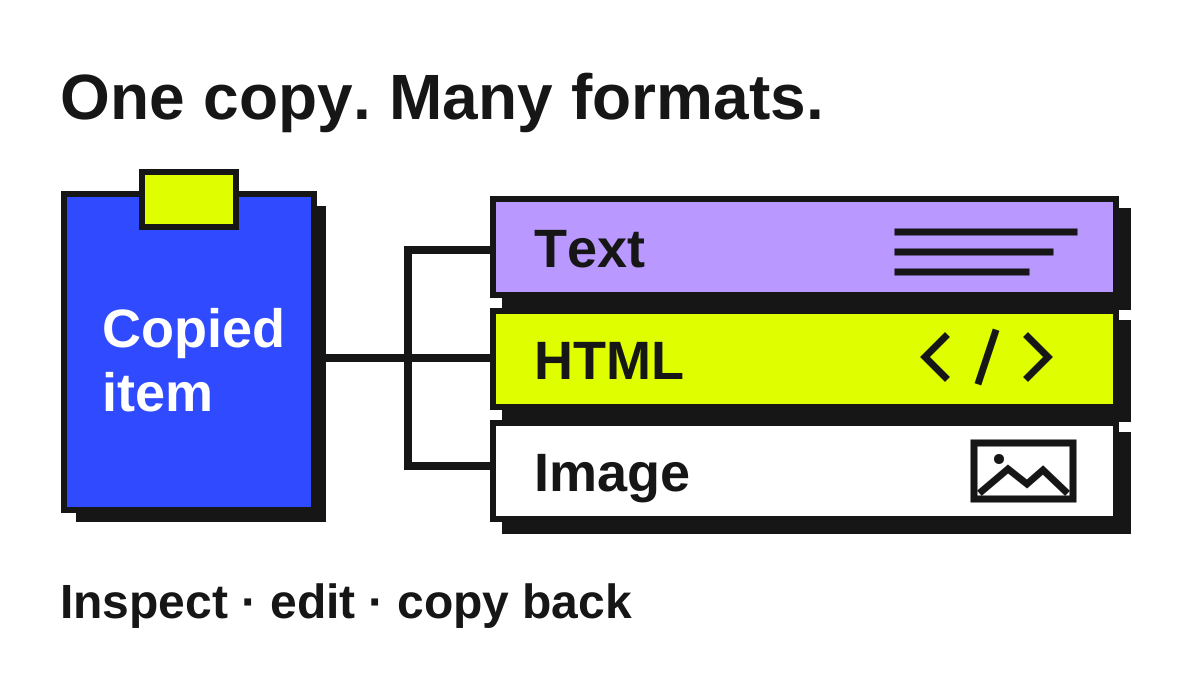
A copied item can contain plain text, formatted text, images, and other formats at once. Clipboard Inspector shows what your browser exposes, with editors for text and previews for supported formats.
Inspect HTML, JSON, SVG, Markdown, and more. Edit the content, save a file, or copy supported formats back to the clipboard. What you can read and copy depends on your browser.
Highlights
- Reveal the formats on your clipboard
- Edit text and preview rich content
- Copy supported formats back
What happens behind a paste
Copy a paragraph from a web page and paste it into two applications: one may keep the links and formatting while the other produces plain text. The copied item can offer several representations at once. Clipboard Inspector makes that normally invisible choice easier to understand by showing each format the browser makes available.
That turns a confusing paste into something you can examine. Open the HTML alongside its plain text, look for an unexpected wrapper, or check whether an image arrived as an image. Dropping a file also gives you a way into the same inspection tools without copying it through another application first.
Move between source and result
The editor and preview answer different questions. Source shows the markup or structured data; a preview shows what it produces. HTML uses a sandboxed frame, JSON becomes an expandable tree, and CSV becomes a table. For a small change, you can inspect, edit, and check the result in one place.
Monaco provides the text editor and language highlighting. Formatting makes dense JSON or markup easier to read, and the original formatting can be restored. Images have previews rather than text-editing controls. Saving an entry as a file gives the inspection a useful endpoint when you want to keep working elsewhere.
Working with browser limits
Clipboard access is controlled by the browser. The Paste button uses its clipboard API, while keyboard paste and drag-and-drop use the data supplied by those events. Each route can expose a different set of formats. The application shows what it receives; formats hidden by the browser remain outside its view.
Copying back has the same practical boundary. The tool builds clipboard items for supported writes, with a plain-text fallback for some failures, and the receiving application chooses what to consume. The value of the build is making that handoff inspectable while keeping the limits visible.
