Gratin
Your recipes, without the clutter. A recipe book that keeps your data yours.
Gratin saves recipes from the web without the ads and pop-ups. Build a personal library, plan your meals, and turn the plan into a grocery list on desktop or mobile. Import a collection from Paprika, clip a page in Chrome, or share a recipe link from your phone.
Your recipes live on your devices, with optional end-to-end encrypted sync. An optional Claude or ChatGPT connector shares a readable copy with the connected assistant while enabled. The app is currently in closed beta; the accompanying articles explain its local storage, sync, and experiments with small language models.
Highlights
- Save recipes and use them offline
- Plan meals and build grocery lists
- Choose optional encrypted sync
In action
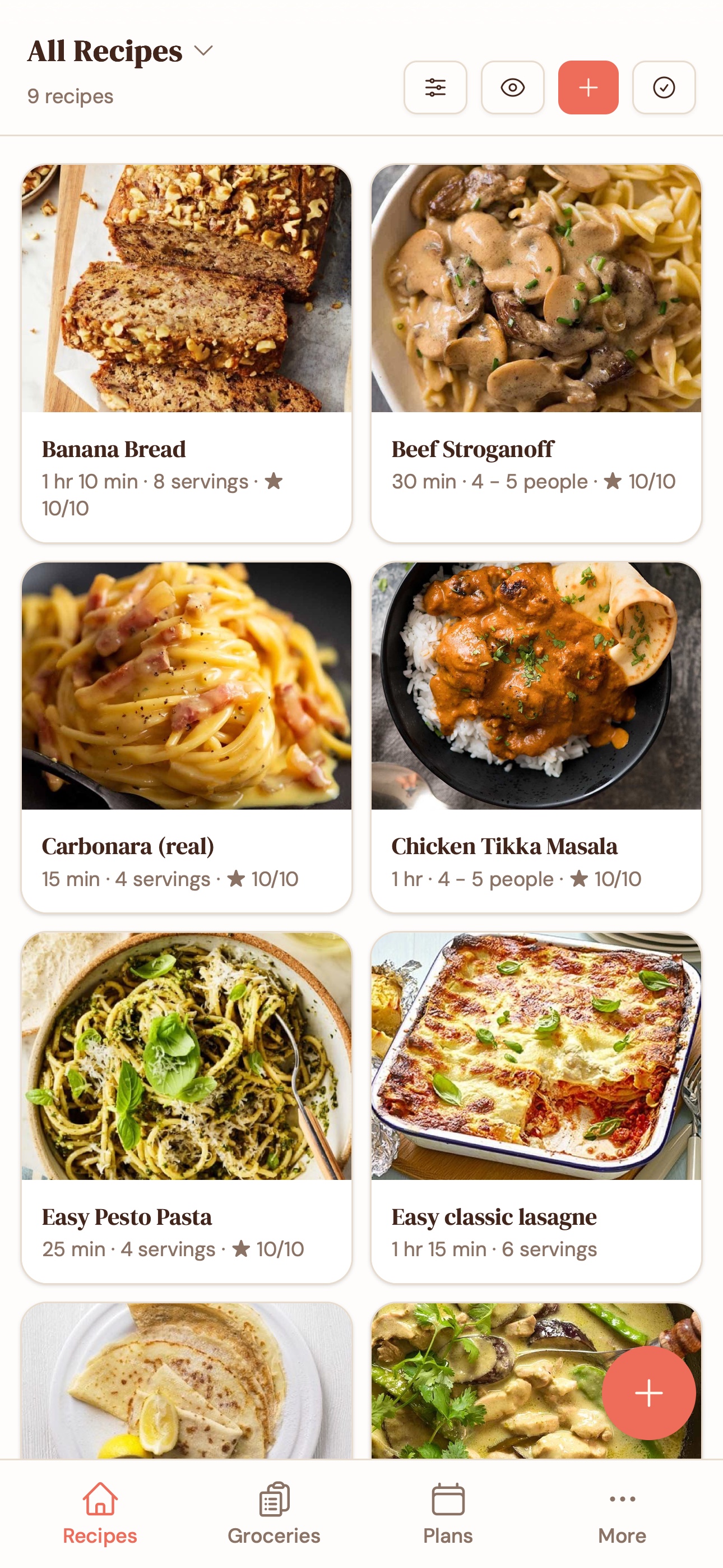
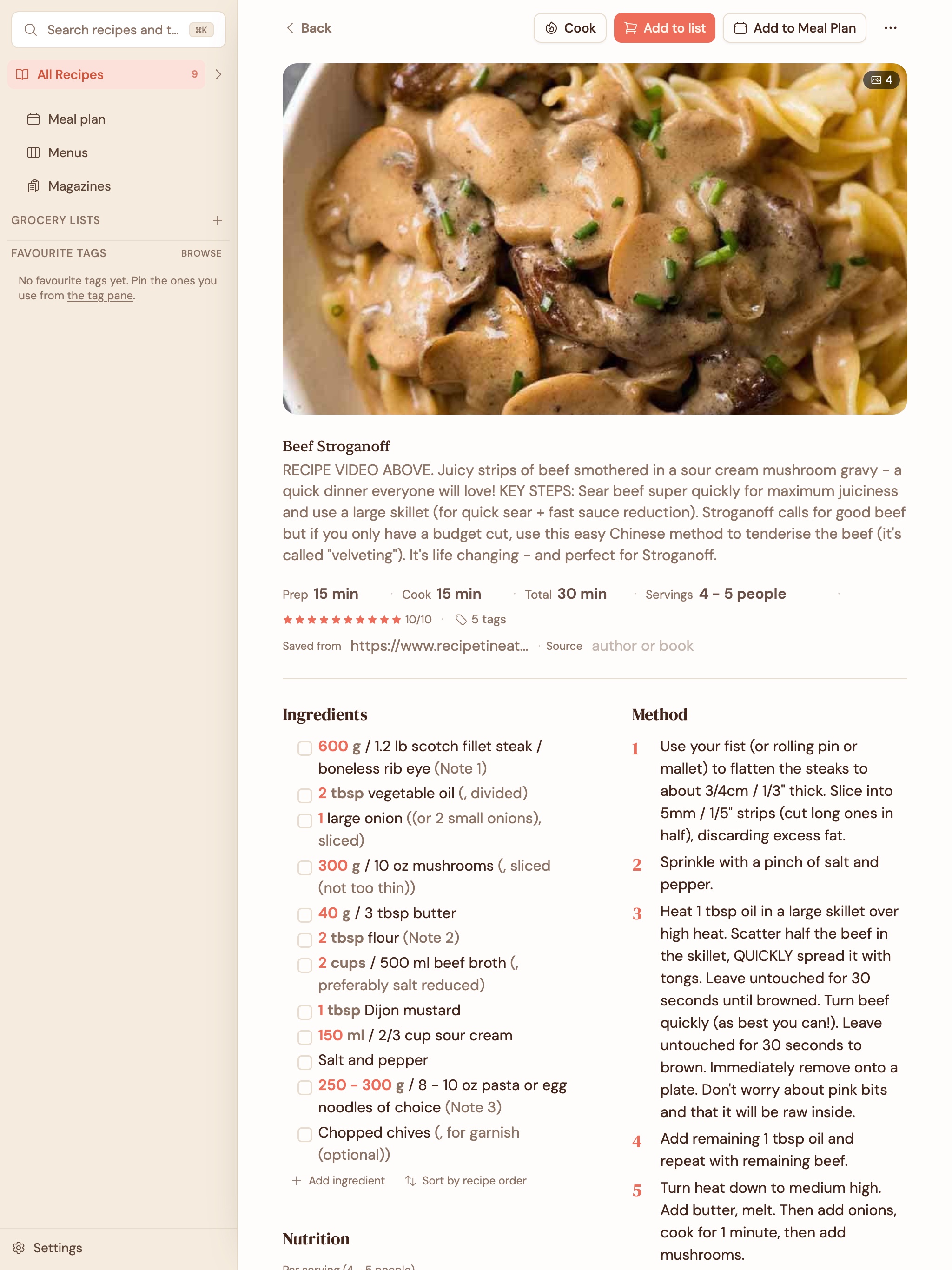
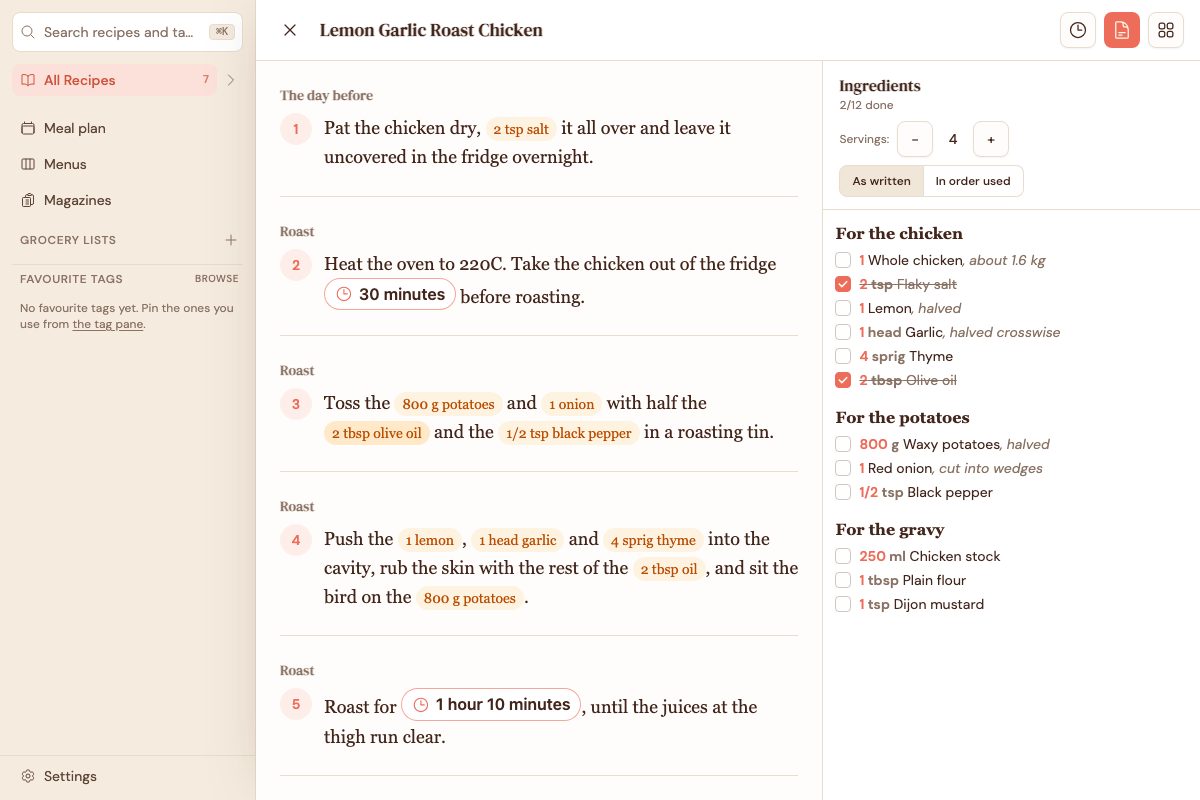
A library you can keep
Gratin started with two frustrations: getting past the clutter around a recipe, and trusting an app with a collection built over years. A useful recipe book has to get people’s existing recipes in, preserve the information, and give them a way to take it out again.
The importer looks for structured recipe metadata underneath a web page, collecting ingredients, instructions, timings, and photos. The Chrome extension can clip a page you are already reading, while link imports and mobile sharing offer other routes in. Paprika import makes an existing collection useful straight away; I used it to migrate my own recipe library.
One core, four platforms
For the original build, I chose a shared React and TypeScript core rather than four separate native implementations. Tauri wraps the desktop app for macOS and Windows, and Capacitor provides the iOS and Android shells. The interface, data model, and cooking logic can travel together, with platform integration around them.
There is a tradeoff: a web view has seams that a carefully written native interface may avoid. For a recipe book built around lists, forms, and reading, sharing the core made the project manageable. A fix to recipe handling should not need to be rediscovered independently on every device.
Local data, optional sync
Each device keeps its own recipe data in SQLite. Evolu supplies the machinery for merging changes between devices, so local storage is the working copy rather than a temporary cache waiting for a server. Ordinary sync encrypts changes before they reach the relay.
Sync is optional, with hosted and self-hosted routes. Export is just as important: open JSON-LD recipe files and a full SQLite backup provide a way to leave with the collection intact. Keeping recipes useful without a connection is part of the product, not an emergency mode.
From saving to cooking
The library feeds the practical work around cooking. Meal plans become grocery lists, and cook mode keeps the current step readable instead of asking you to navigate a busy recipe page. These are small interactions, but they decide whether saved recipes become meals.
The app is in closed beta. Its optional Claude or ChatGPT connector is a separate privacy choice: while enabled, a server keeps a readable working copy and the connected assistant can read it. Disabling the connector erases that copy. Ordinary recipe sync remains end-to-end encrypted.
Related writing

Gratin: Building a Local-First Recipe App
How Gratin’s original local-first recipe app was built: one React core, desktop and mobile shells, and encrypted sync. Updated for its optional AI connector.

Picking a Language Model Small Enough to Live on Your Phone
Benchmarking small language models to run on a phone: why accuracy plateaus at 3-4B, why RAG hurt, and how a deterministic calculator beat the LLM.

Local First, Offline First, and Cloud
Local-first vs offline-first vs cloud: who owns your data, why Evolu and CRDTs make local-first practical, and the Paprika problem waiting to strand you.